In the v1.25 update, you will find new improvements to template creation, email wizard, live merge preview, and advanced data fetching. Here is a summary of what has recently been updated!
What's new in 1.25 version
1. A Redesigned Setup & Template Experience
The Setup page and Composer page have been rebuilt with a cleaner, more intuitive interface. Menus are simplified, actions are grouped logically, and the overall layout uses more white space so it's easier to find the option you need without hunting through nested menus.
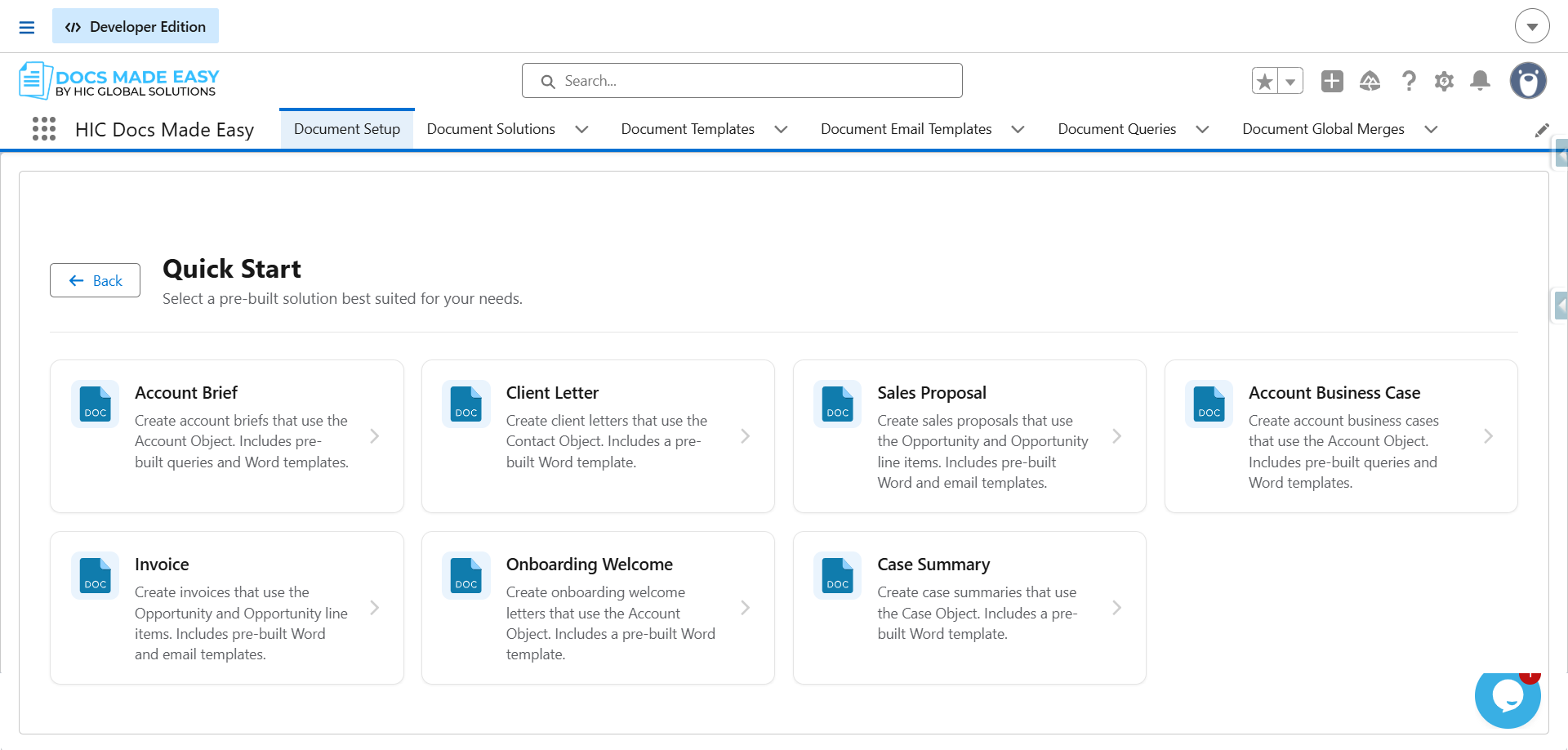
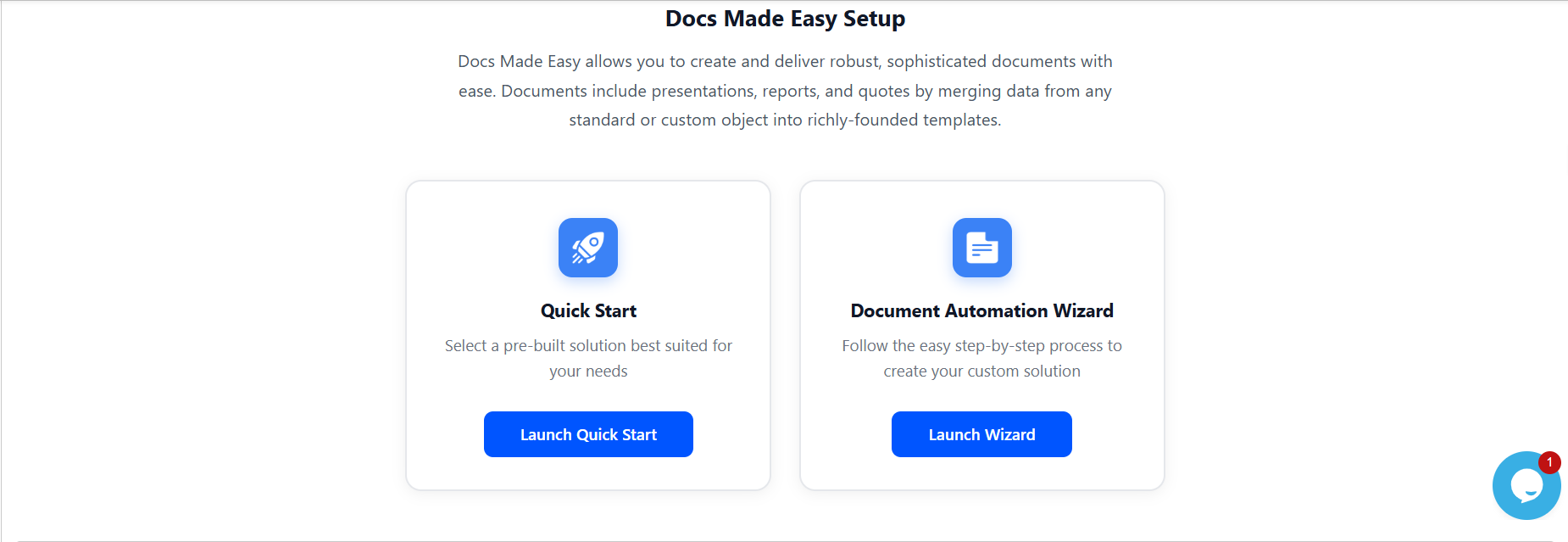
2. Four Ways to Add a Template
In the updated version, there are four ways to create a document. Each option is designed to help you start from the right place based on your content requirements and workflow.
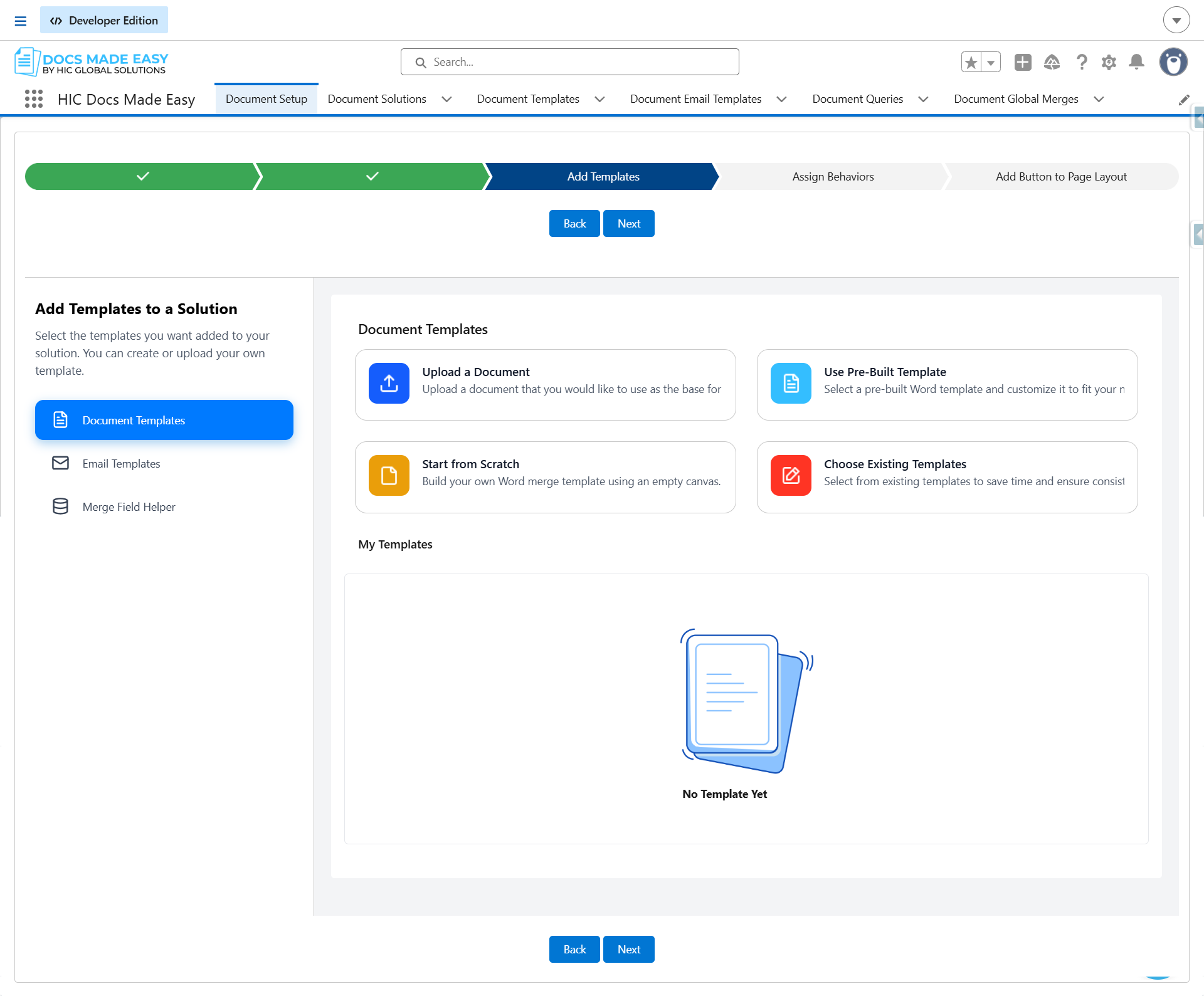
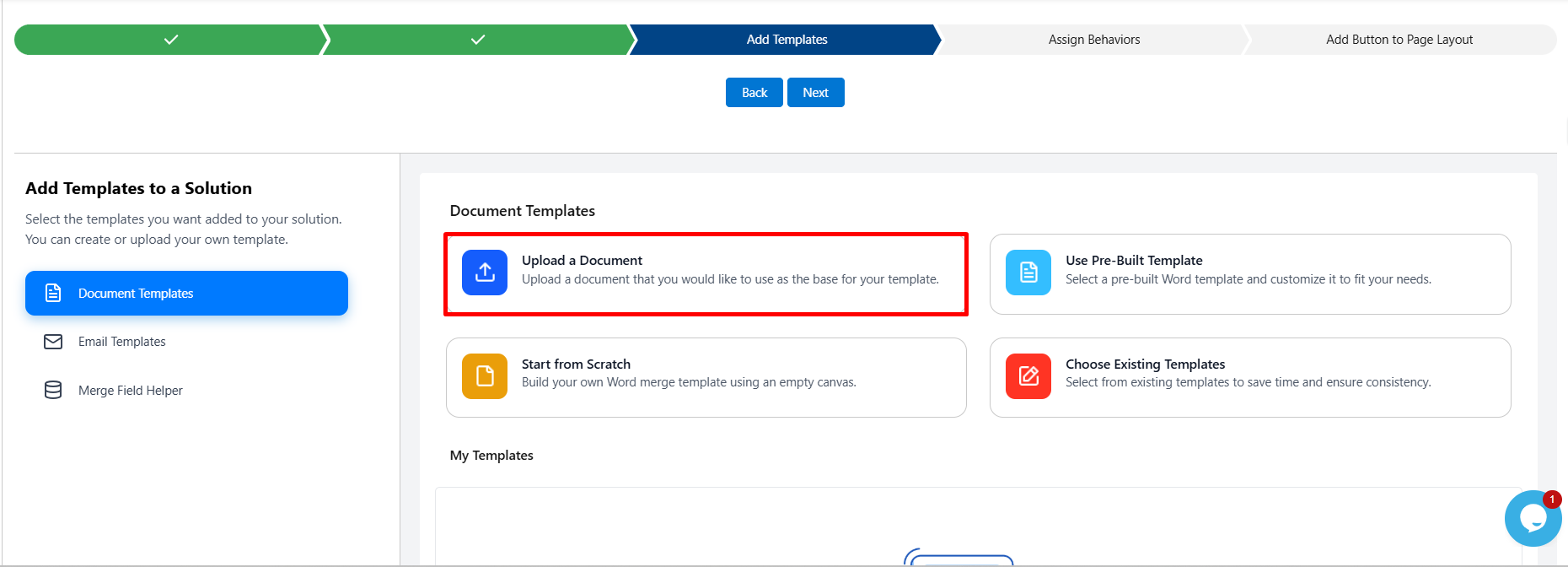
2.1 Upload a Document - Already have a formatted Word, PowerPoint, Excel, or Adobe file? Upload it directly into Docs Made Easy and it becomes a usable template immediately, ready for merge fields to be added.
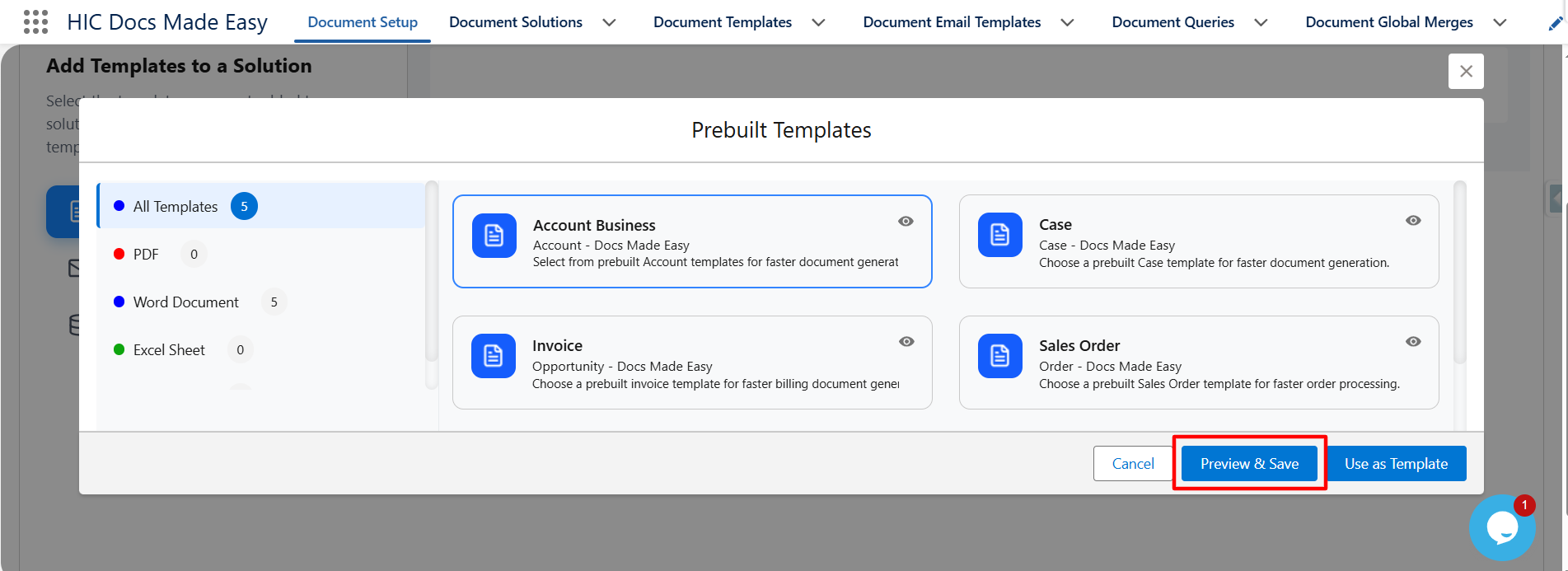
2.2 Use a Pre-Built Template - Don't want to start from a blank page? Pick from a library of templates built for common business needs (proposals, agreements, invoices, and more) and customize from there.
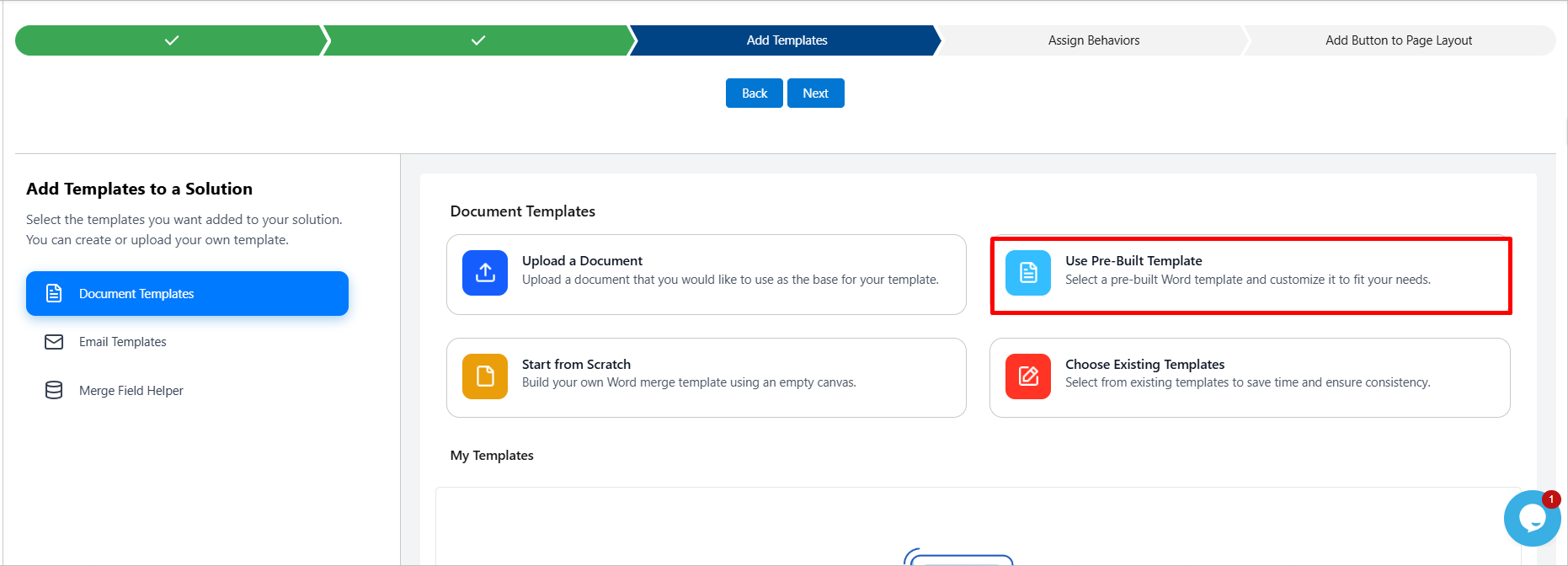
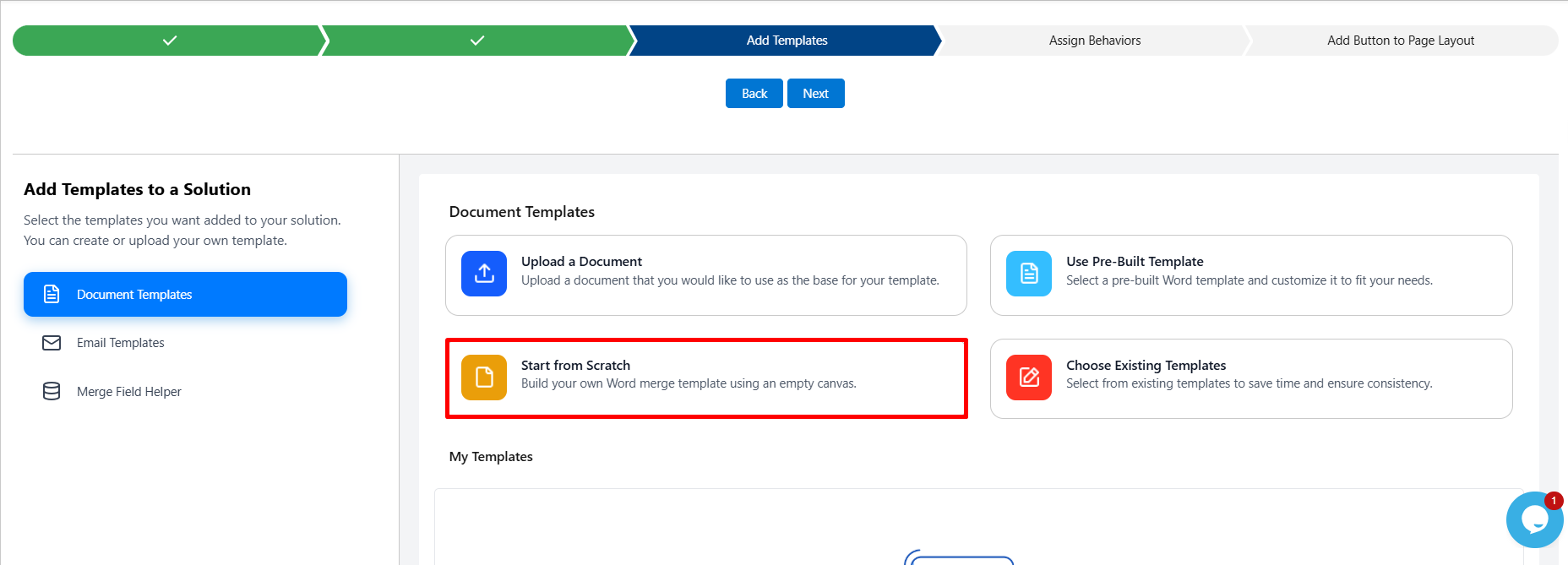
2.3 Start From Scratch - Prefer full control over layout and wording from the very first line? Create a brand-new template inside the solution and build it up section by section.
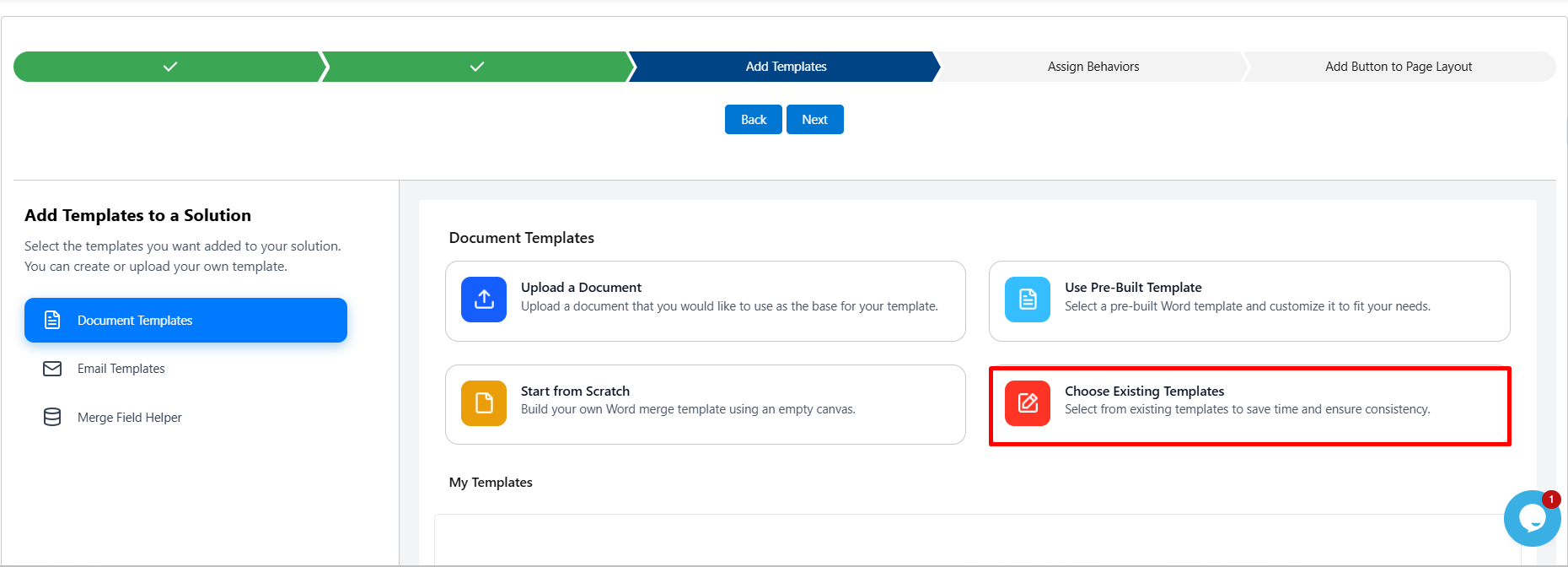
2.4 Choose an Existing Template - Already built something similar for another button or use case? Reuse a template that already exists in your org instead of recreating it.
3. Pro Syntax Now Available Across More Formats
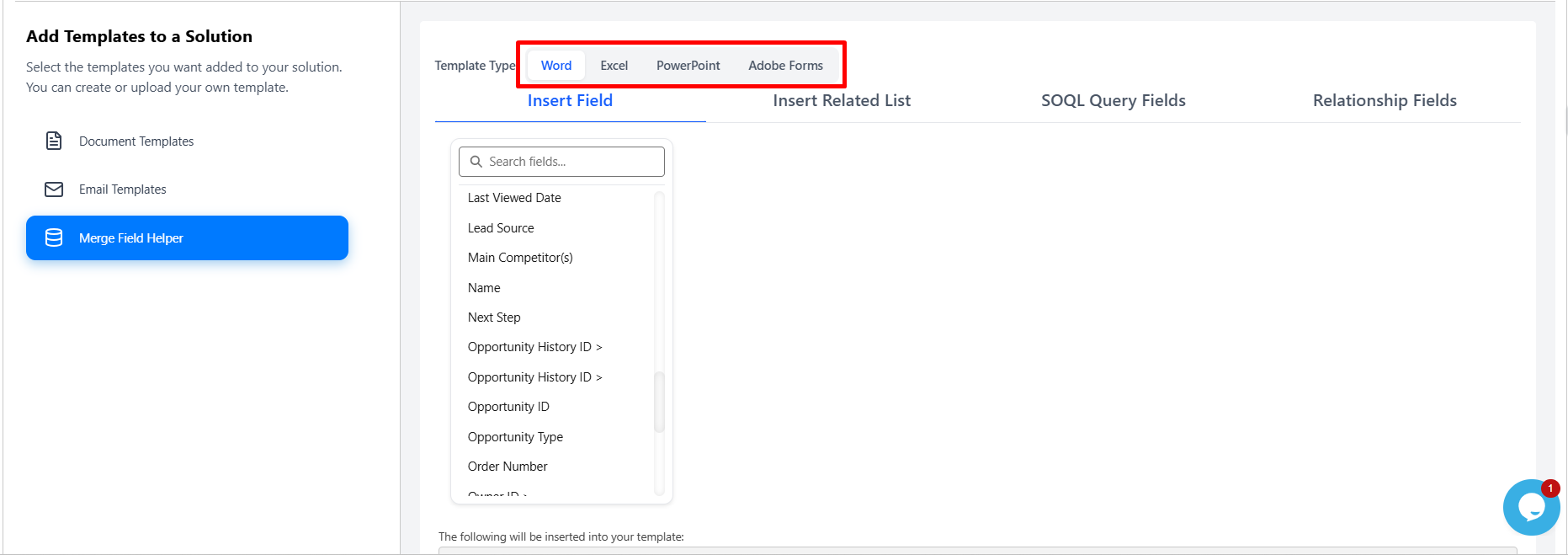
Pro syntax, the advanced merge-field syntax used for conditional logic, formatting, and calculations, was previously limited to Word templates. With v1.25, the same Pro syntax now works in PowerPoint, Adobe Form, and Excel templates as well, so advanced logic isn't restricted to one document format.
4. Merge & Preview Before You Generate Document
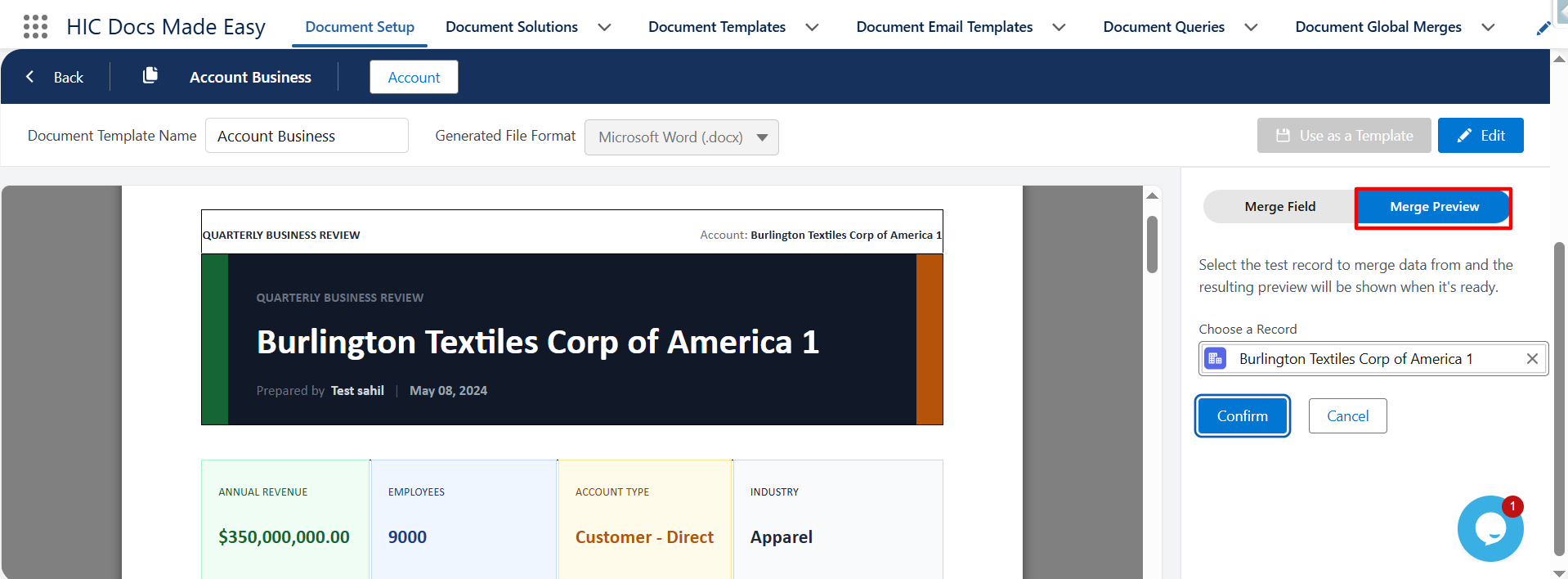
This is one of the most anticipated capabilities in this release: the ability to preview a merged document before committing to the final generation step. Instead of generating a document, opening it, and going back to fix a field, you can now catch issues in a live preview first.
5. Apex Functionality - Fetch Data Using Apex Class
For teams with more complex data requirements, v1.25 introduces the ability to fetch merge data through a custom Apex class rather than a standard query alone. This is useful when the data needed for a document requires logic that goes beyond what a simple SOQL-based query builder can express, multi-step calculations, calls to external systems, or data assembled from several unrelated objects.
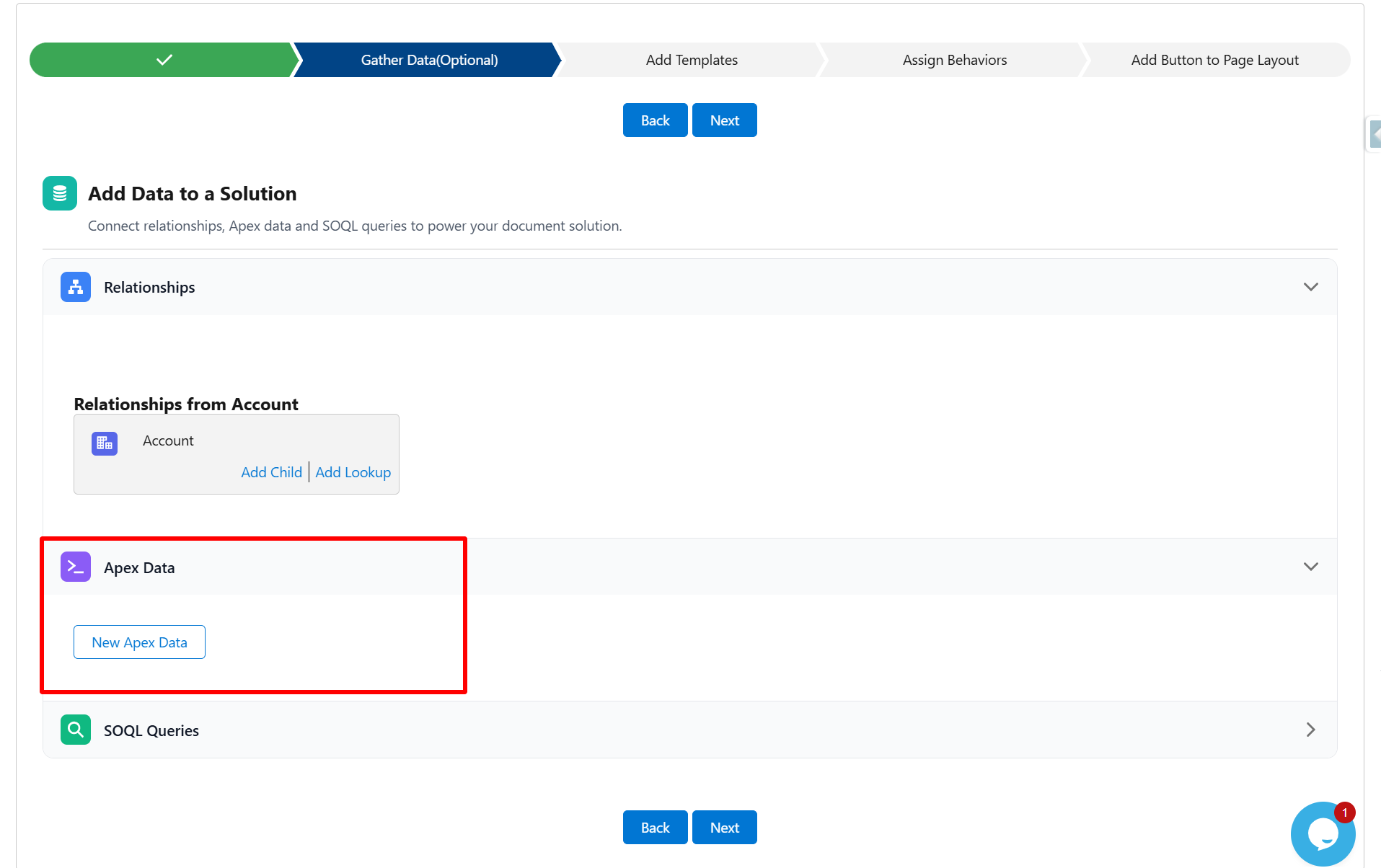
Because the logic lives in Apex, this approach is best suited to admins or developers comfortable writing and maintaining Apex code; the sample provided is a starting point to adapt to your own object model and business rules, not a drop-in solution. Read More
Major Enhancement
1. A Smarter Email Template Wizard
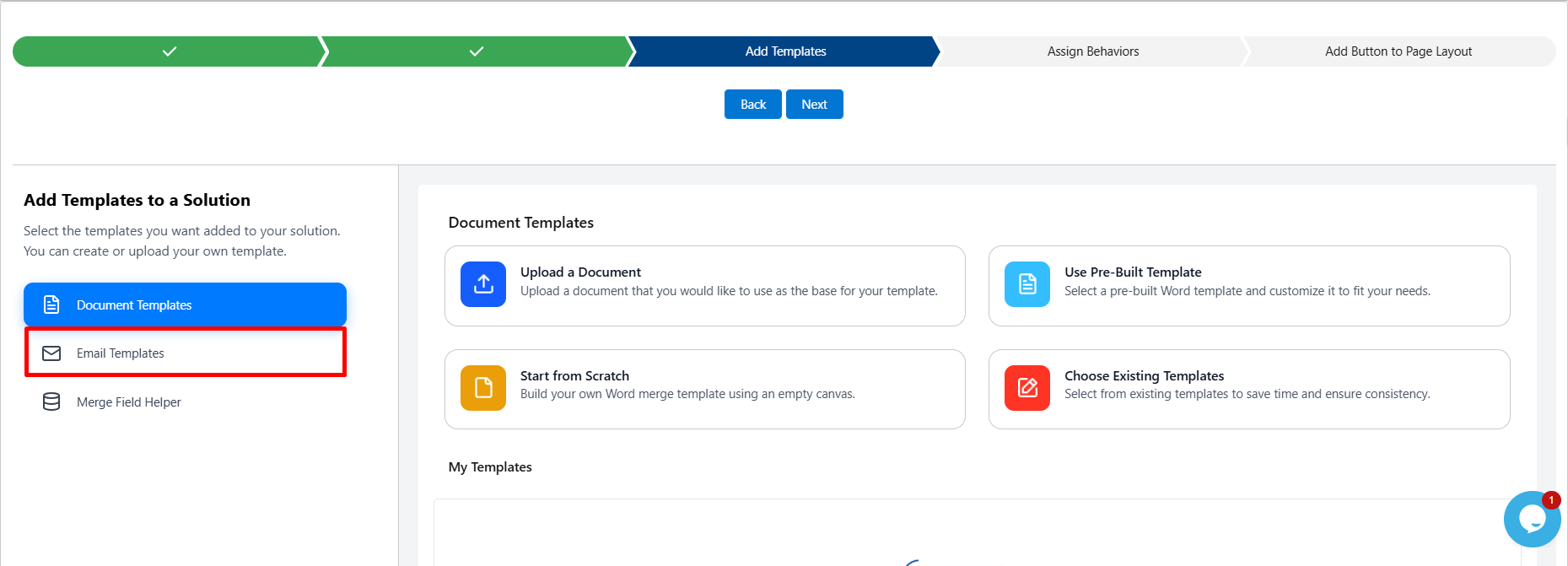
Sending a document is often just as important as generating it. The Email Template wizard has been reworked so that building the email that carries your document is as quick as building the document itself.
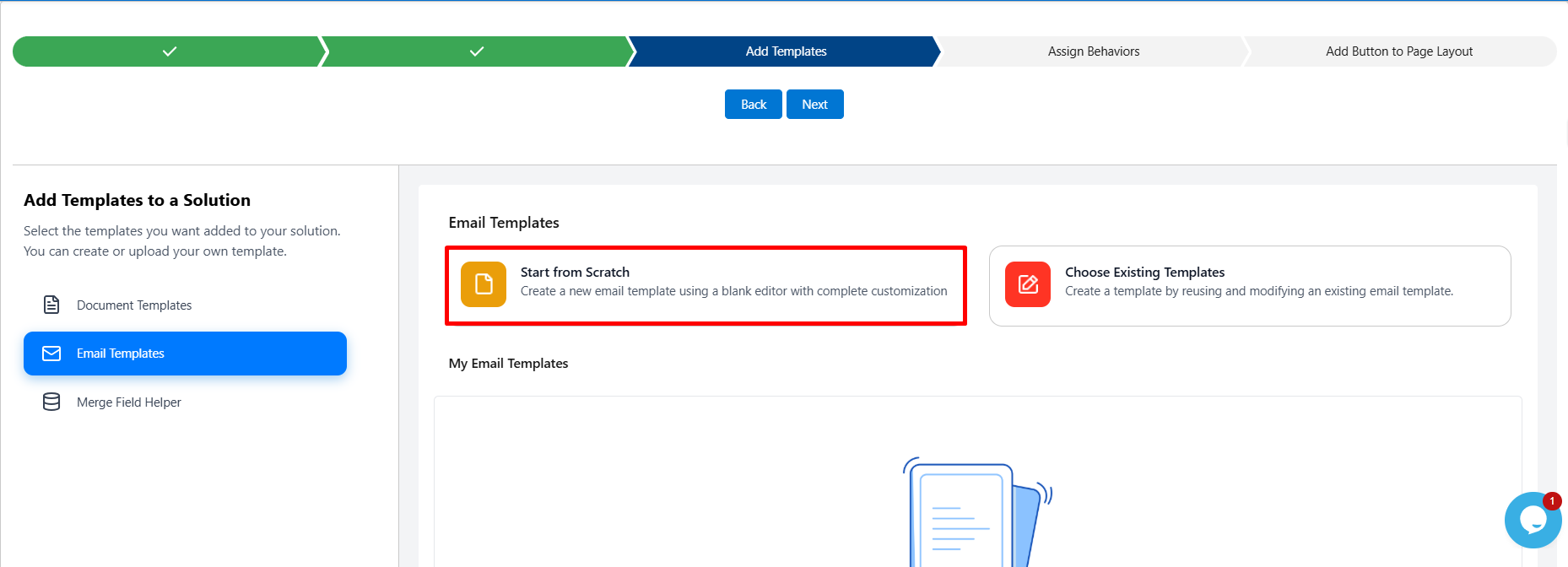
2. Write From Scratch
Compose a new email template inside the solution: subject line, body copy, and merge fields, and save it for reuse across any button or automation that sends documents to clients or internal teams.
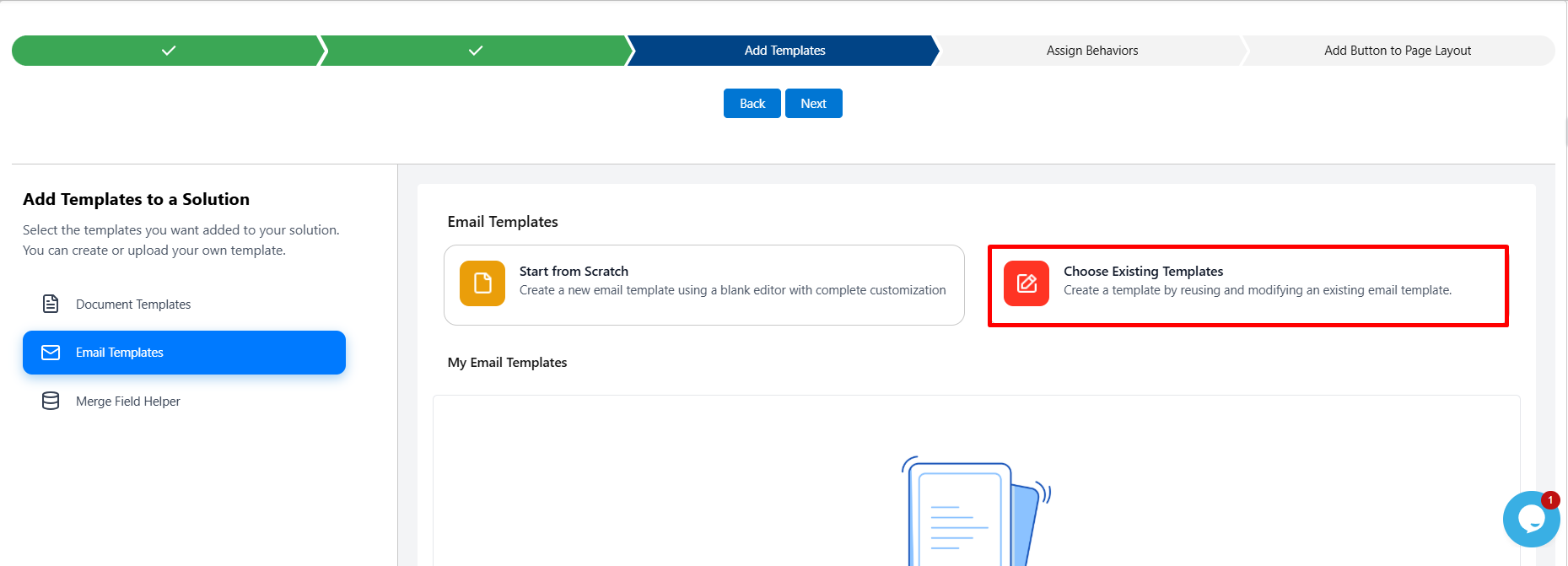
3. Choose an Existing Template
If your org already has email templates configured, select one directly instead of rebuilding it. This keeps your messaging consistent across every workflow that uses Docs Made Easy to send documents.
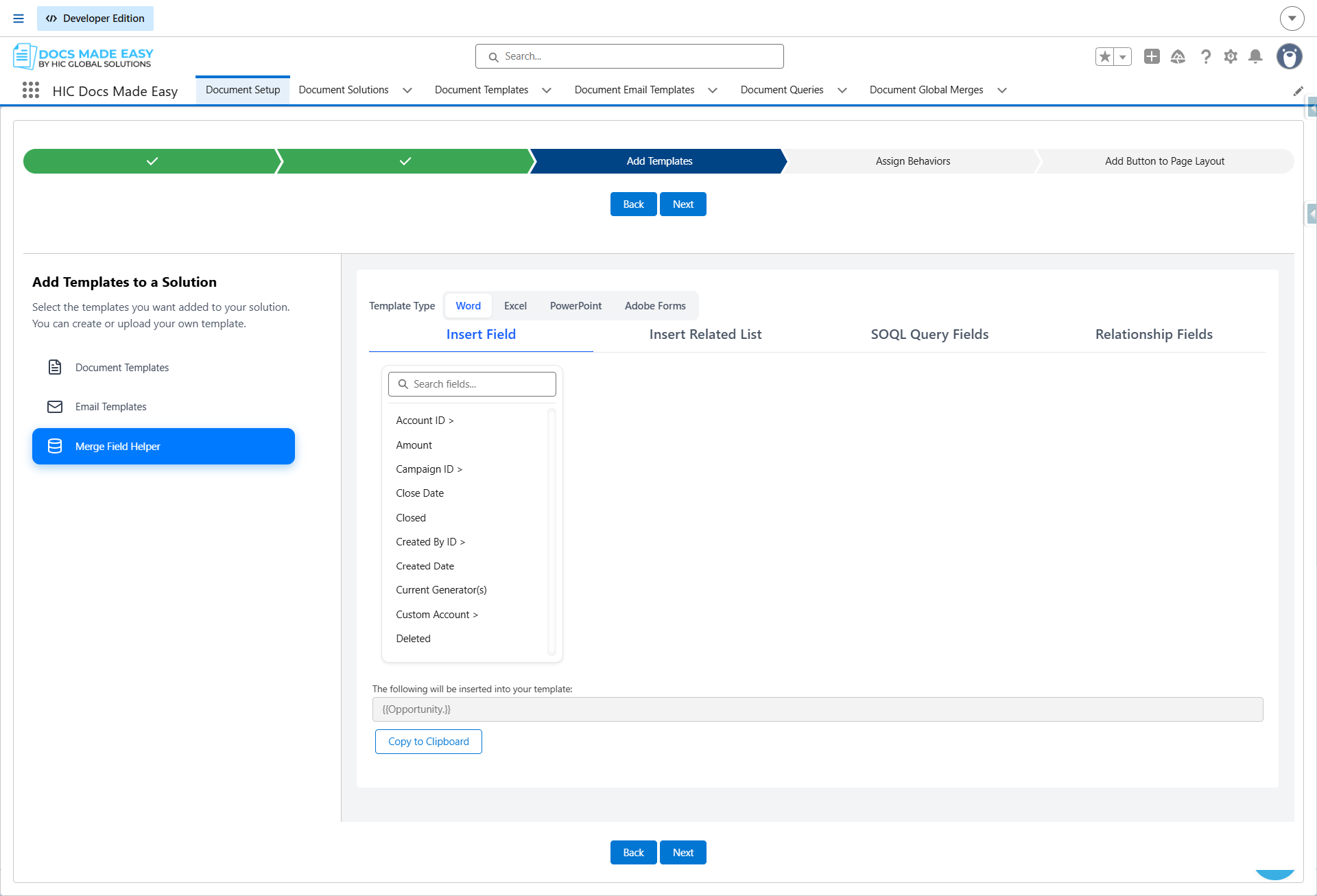
4. Improved Merge Field Helper
The Merge Field Helper, which allows you to insert Salesforce data into a template, now comes with a refreshed interface. It makes it easier and faster to find and insert the right fields, especially when working with templates that use data from multiple related objects.
Bug Fixes
1. Improved Document Generation in Incognito/Private Browsing
Known Issue:
Previously, users could encounter issues while generating documents in Incognito or Private browsing windows, which affected the document generation process.
Resolved:
In Version 1.25.0, these issues have been resolved. Document generation now works reliably in Incognito and Private browsing modes, providing a consistent experience across different browser sessions.
2. Email Attachments Based on Composer Template Selection
Known Issue:
Previously, Docs Made Easy fetched email attachments only from the templates added to the Solution. Templates selected by users on the Composer screen were not considered while fetching email attachments.
Resolved:
In Version 1.25.0, this behavior has been enhanced. Docs Made Easy now fetches email attachments based on the templates selected by the user on the Composer screen, ensuring the generated email includes attachments from the selected templates.
Was this article helpful?
That’s Great!
Thank you for your feedback
Sorry! We couldn't be helpful
Thank you for your feedback
Feedback sent
We appreciate your effort and will try to fix the article