Available In: Docs Made Easy Basic and Pro
Parameter Value: MergeDocument = 1
Parameter Requirements: More than one template in the Solution.
Parameter Description: This parameter allows you to combine multiple templates into a single output document. This is useful when you want to generate a unified document (for example, a proposal along with terms and conditions) without creating a single large template.

When this parameter is enabled:
- All templates added to the solution are processed.
- The system merges them into one document.
- Templates are combined in the same order as they are configured.
Example:
| You have a main document (e.g., Proposal/Quote) | 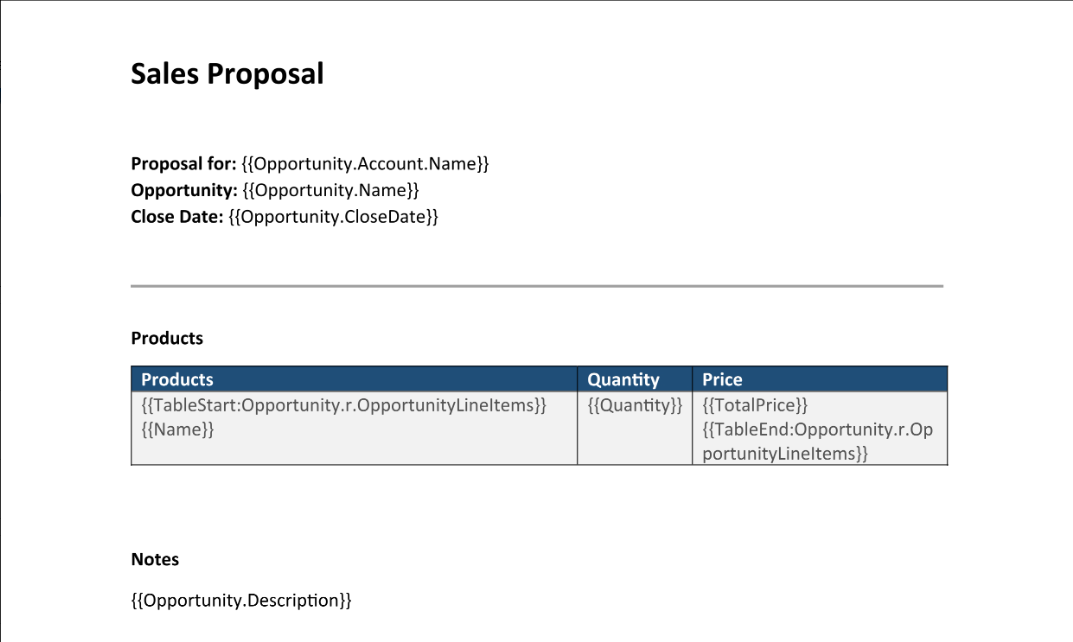 |
| You have a secondary document (e.g., Terms & Conditions) | 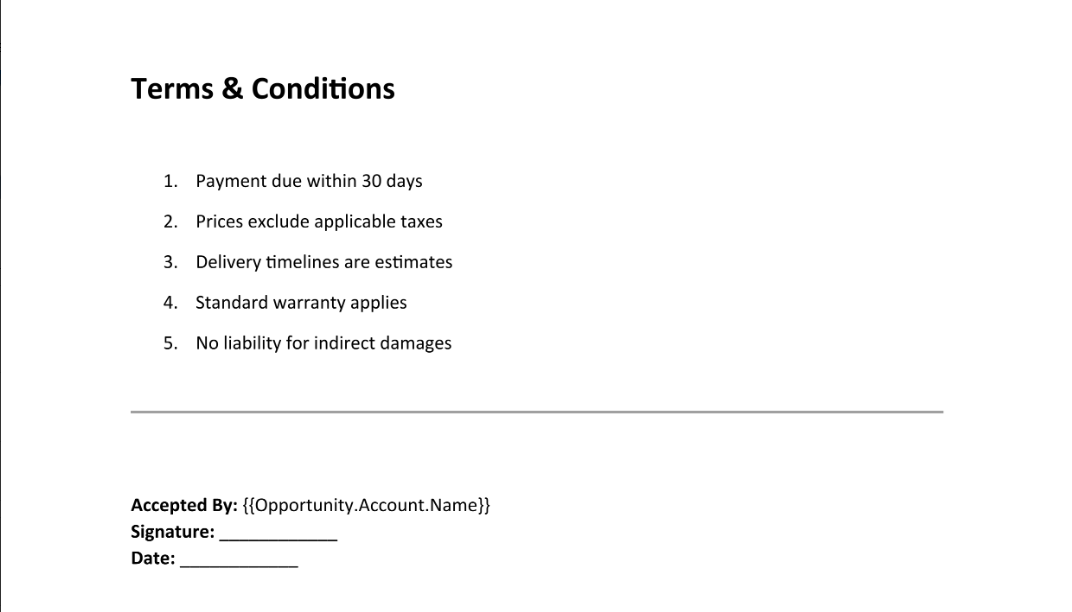 |
After Merging Appears as:
| Page: 1 | Page: 2 |
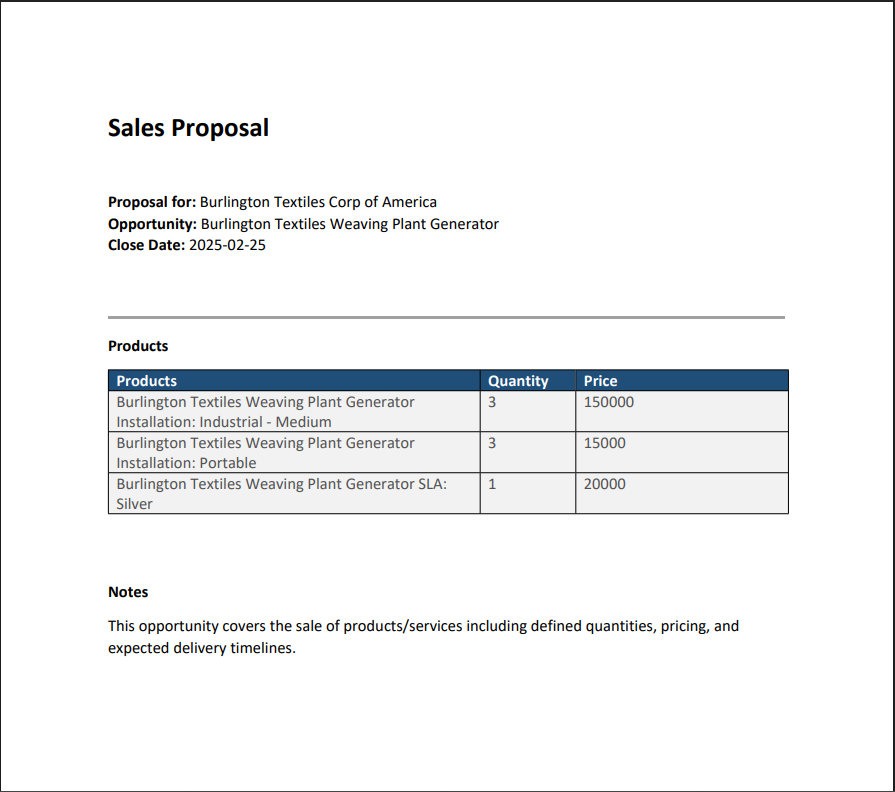 | 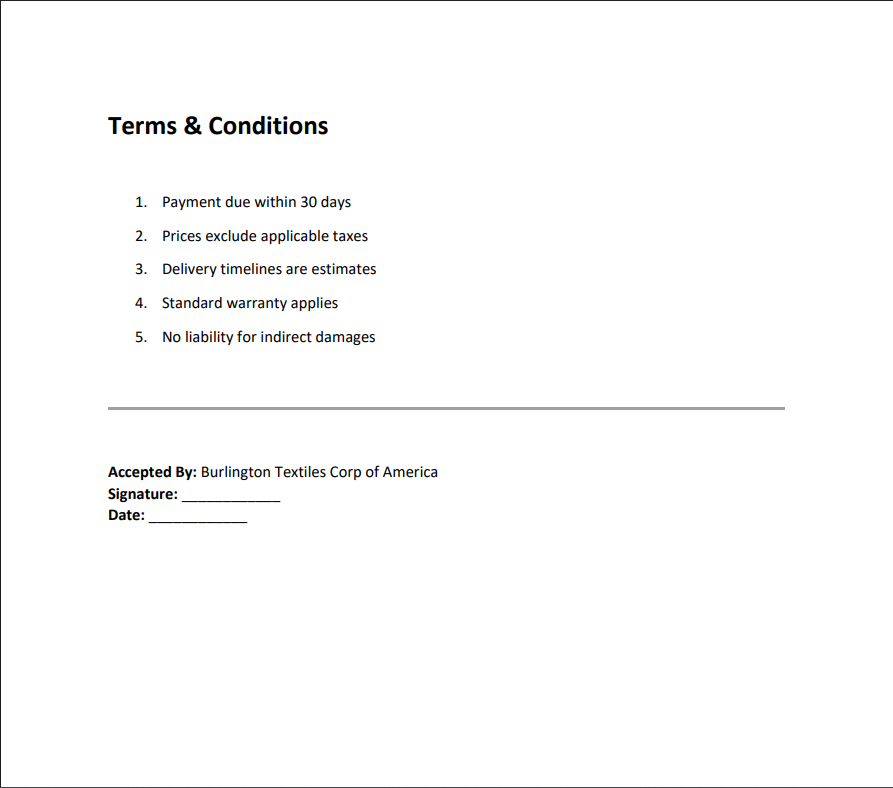 |
Note:
Template order is important and is maintained in the final output.
Was this article helpful?
That’s Great!
Thank you for your feedback
Sorry! We couldn't be helpful
Thank you for your feedback
Feedback sent
We appreciate your effort and will try to fix the article